
By Elena Voss, Senior Tech Analyst vfuturemedia December 17, 2025
The way we experience Apple calls just took a subtle but meaningful leap forward with Apple’s new Edge Light feature in macOS Tahoe 26.2. When using an iPhone as a Continuity Camera in low-light conditions, the system intelligently synthesizes a soft rim light around your silhouette—pulling you out of shadowy backgrounds without the harsh overexposure of traditional fill lighting. It’s a small addition on paper, but in practice, it transforms dimly lit late-night calls or poorly illuminated home offices into something far more professional and human.
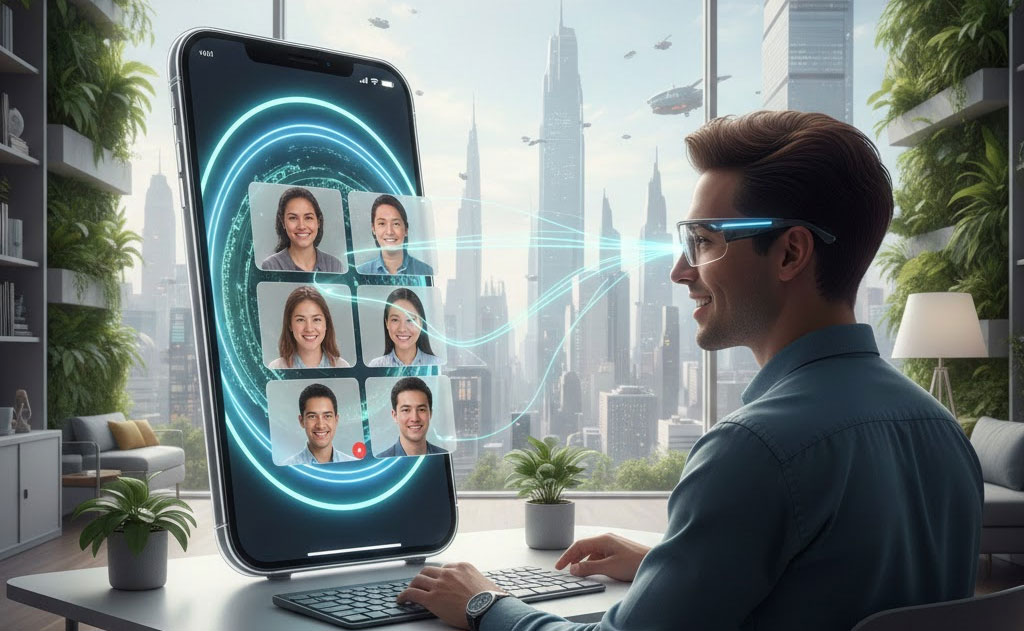
Edge Light is just the opening act. As remote and hybrid work solidifies as the norm—powered by AI assistants, spatial computing, and ever-smarter cameras—Apple is laying the groundwork for a radically enhanced era of video communication. From on-device illumination tricks today to full AR overlays and volumetric presence tomorrow, the future of Apple calls promises to make distance feel irrelevant while preserving privacy and performance.
Edge Light Today: How It Works and Why It Matters
Introduced in macOS Tahoe 26.2 (December 12 release), Edge Light activates automatically when Continuity Camera detects suboptimal ambient lighting. Here’s the technical breakdown:
- The iPhone’s TrueDepth sensor array maps your face and upper body in real time.
- On-device machine learning analyzes light direction, intensity, and color temperature.
- A subtle synthesized rim light is applied only to your edges—preserving natural skin tones and avoiding the “ring light glare” look.
- Processing happens entirely on the Neural Engine, ensuring zero latency and no cloud uploads.
The result? You appear naturally lit from the side, as if a professional key light were positioned just off-camera. It’s particularly effective in mixed lighting (e.g., window behind you) or pure low-light scenarios, reducing noise while maintaining depth.
For remote workers, this isn’t vanity—it’s equity. Better lighting correlates with perceived competence and engagement in studies; Edge Light levels the playing field for those without dedicated setups.
The Building Blocks Already in Place
Apple has quietly assembled a powerful stack for next-gen calls:
- Center Stage: Ultra-wide iPhone cameras with on-device cropping keep you framed dynamically.
- Portrait Mode Video: Neural Engine-driven background blur with depth control.
- Desk View: Overhead document sharing using Continuity and ultra-wide lenses.
- Reactions & Gestures: 3D hand tracking triggers confetti, thumbs-up, or balloons—hinting at richer spatial awareness.
- Continuity Camera: Seamless iPhone-as-webcam with Studio Light (basic fill) and now Edge Light.
All run locally, leveraging A-series/M-series efficiency—no data leaves your device.
Near-Future Enhancements: 2026–2028 Horizon
Expect incremental but transformative steps:
- Adaptive Multi-Source Lighting: Beyond rim light, simulate key/fill/backlight combinations based on virtual studio templates—e.g., “podcast booth” or “boardroom” looks.
- Eye Contact Correction 2.0: Current versions subtly redirect gaze; future iterations using under-display cameras (rumored for iPhone 18 Pro) could make it indistinguishable from real eye contact.
- Dynamic Backgrounds with Depth Awareness: AI-generated environments that react to your movements—e.g., parallax shifting as you lean forward.
- Voice Isolation Evolution: Spatial audio separation that isolates multiple speakers in shared rooms, reducing echo and overlap.
These will likely debut in iOS 27/macOS sequels, powered by upgraded Neural Engines handling larger vision models on-device.
The AR/Video Revolution: Vision Pro and Spatial Calls
The true leap comes with Apple Vision Pro integration. Current visionOS 26.2 already supports FaceTime with Personas—photorealistic avatars that track expressions and gestures. But the roadmap points to far more:
- Volumetric Presence: Full-body avatars in shared spatial environments, making calls feel like co-presence in a virtual room.
- Shared Spatial Canvases: Collaborate on 3D models, whiteboards, or immersive presentations floating in mixed reality.
- AR Overlays During Traditional Calls: Add annotations, diagrams, or virtual objects visible only to participants—e.g., a designer sketching on your shared screen in 3D.
- Environmental Adaptation: Your virtual background reacts to real-world context (dim lights trigger virtual lamps).
Privacy remains core: all spatial processing stays on-device, with end-to-end encryption for Personas and shared spaces.
Practical Guide: Optimizing Your Calls Today
While waiting for tomorrow’s features, maximize what exists:
- Lighting Setup: Position a window or lamp at 45° to your face; Edge Light will enhance, not replace, good basics.
- Camera Choice: Use iPhone 15 Pro or newer as Continuity Camera for best TrueDepth mapping.
- Background Management: Neutral, uncluttered backgrounds help Portrait Mode and future AR blending.
- Mic Discipline: External mics (AirPods Pro 2) with Voice Isolation dramatically improve clarity.
- Update Everything: Ensure iOS 26.2+, macOS Tahoe 26.2, and visionOS 26.2 for Edge Light and security patches.
- Experiment with Reactions: Subtle gestures add engagement without distraction.
The Bigger Picture: Human Connection in a Distributed World
Remote work isn’t going away—it’s evolving. As teams span continents and AI handles rote tasks, video calls become the primary medium for culture, creativity, and trust-building. Apple’s trajectory—starting with Edge Light’s thoughtful illumination and scaling to spatial co-presence—positions it to make these interactions feel less like “video calls” and more like being there.
In a future where AR glasses replace screens and avatars convey nuance better than flat video, today’s Edge Light feels like the first flicker of a much brighter era.
The distance between us is shrinking—one intelligently placed virtual light at a time.
Ethan Brooks covers the tech that’s reshaping how we move, work, and think — for VFuture Media. He was at CES 2026 in Las Vegas when the world got its first real look at humanoid robots, AI-powered vehicles, and Samsung’s tri-fold phone. He writes about AI, EVs, gadgets, and green tech every week. No hype. No filler. X · Facebook
Honestly, we’re still debating this one in the comments. Where do you land? Drop your take below — the best discussions on this site have always come from readers who actually know their stuff.



Leave a Comment