
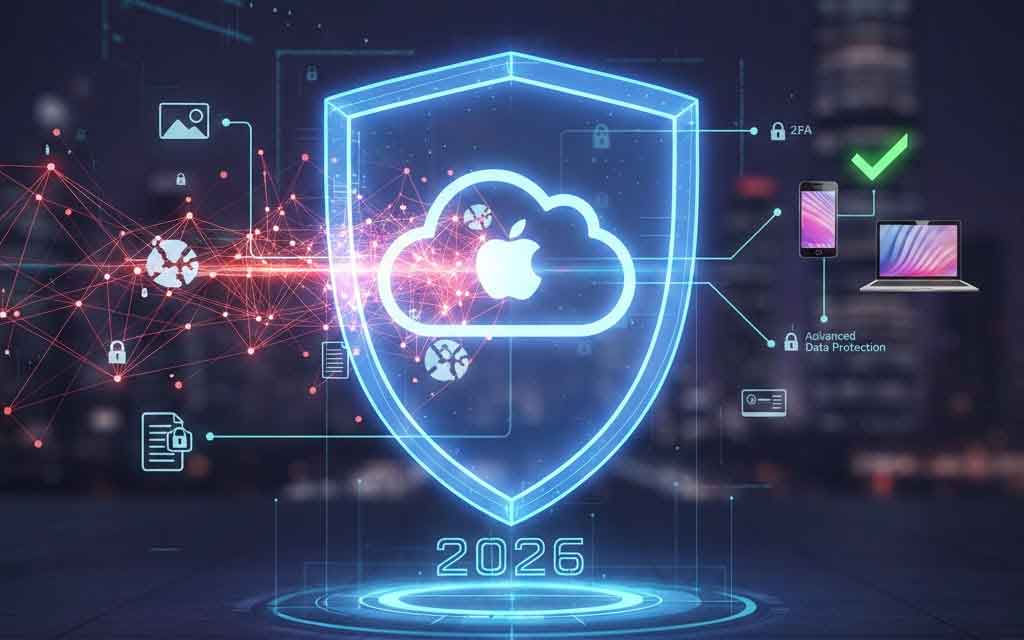
As cloud storage becomes essential for photos, backups, documents, and more, millions of users — from everyday consumers to professionals — are asking a critical question in 2026: How secure is iCloud? With rising cyber threats, government pressures, and evolving encryption standards, understanding iCloud’s protections is key to safeguarding personal data.
At VFutureMedia, we break down Apple’s iCloud security in 2026, covering encryption levels, privacy features like Advanced Data Protection, notable breach history (or lack thereof), and practical tips. Whether you’re an iPhone user in the US, Europe, or elsewhere, here’s the full picture based on Apple’s latest official documentation and recent developments.
iCloud Encryption Basics: Standard vs. Advanced Protection
Apple provides two tiers of data protection for iCloud:
- Standard Data Protection (default for all accounts): Data is encrypted in transit and at rest using strong industry standards. Apple manages the encryption keys in its secure data centers. This means Apple can access your data if required (e.g., for legal requests or account recovery). Categories like iCloud Mail, Contacts, and Calendars use end-to-end encryption by default, but many others (Photos, Backups, Notes) do not — Apple holds the keys.
- Advanced Data Protection for iCloud (optional, opt-in feature): This is Apple’s highest level of cloud security, introduced in late 2022 and still available in most regions in 2026. When enabled, your trusted devices hold the sole encryption keys for 23–25 categories of iCloud data (up from 14 without it). This includes:
- iCloud Backup (full device backups)
- Photos
- Notes
- iCloud Drive
- Reminders
- Safari Bookmarks
- Voice Memos
- And more
To enable it (on supported devices running iOS 16.2+, iPadOS 16.2+, macOS Ventura+, etc.):
- Update all your Apple devices.
- Go to Settings > [Your Name] > iCloud > Advanced Data Protection.
- Follow prompts to set up recovery (contact or key).
Apple’s January 2026 support page confirms this feature protects the “vast majority” of iCloud data with end-to-end encryption when turned on.
Has iCloud Been Hacked? Breach History in 2025–2026
Unlike many cloud providers, iCloud itself has not suffered a major direct breach exposing user data en masse in recent years. No large-scale hacks of Apple’s iCloud servers have been reported in 2025 or early 2026 that leaked encrypted user content.
However, risks come from other vectors:
- Credential Stuffing & Infostealer Malware: Massive compilations (e.g., 16 billion credentials leaked in mid-2025 from infostealer malware across services) included Apple IDs, iCloud logins, and passwords harvested from compromised devices. These were not iCloud server breaches but stolen credentials reused from other sites or malware on users’ machines.
- Targeted Attacks & Zero-Days: Apple patched actively exploited zero-days in 2026 (e.g., CVE-2026-20700 in dyld for arbitrary code execution). Spyware incidents (e.g., via WhatsApp or messaging) targeted individuals, but these exploited device vulnerabilities, not iCloud storage directly.
- Historical Context: Older incidents (like 2014’s “Celebgate” celebrity photo leaks) stemmed from weak passwords and phishing, not server flaws. Apple responded by adding 2FA and stronger protections.
Overall, iCloud’s infrastructure remains robust — no evidence of widespread server-side breaches in 2025–2026. The bigger threats are user-side issues: weak passwords, phishing, or malware stealing Apple IDs.
Privacy Implications & Government Access
Apple emphasizes privacy as a core value, but:
- With standard protection, Apple can comply with valid legal requests (e.g., warrants) by accessing keys.
- With Advanced Data Protection, end-to-end encryption blocks Apple from handing over readable data — even to governments.
- The UK removal highlights ongoing tensions: Governments push for backdoors, while Apple resists (as seen in past FBI disputes).
For most users outside restricted regions, enabling Advanced Data Protection maximizes privacy.
Should You Use Two-Factor Authentication (2FA)?
Yes — absolutely mandatory in 2026.
Apple requires 2FA for all new accounts and strongly recommends it for existing ones. It adds a critical layer: Even if someone gets your password, they need a trusted device or phone number to log in.
Enable it via Settings > [Your Name] > Sign-In & Security > Two-Factor Authentication.
Additional best practices:
- Use a strong, unique Apple ID password (consider a password manager).
- Enable Stolen Device Protection.
- Regularly review trusted devices.
- For maximum security: Turn on Advanced Data Protection if available in your region.
FAQs
Is iCloud end-to-end encrypted? Not fully by default. Standard protection encrypts data but Apple holds keys for many categories. Enable Advanced Data Protection for true end-to-end encryption on 23+ data types (including backups and photos). It’s optional and unavailable in some regions like the UK as of 2025.
Has iCloud been hacked? No major direct server breaches of iCloud data in 2025–2026. Risks come from credential leaks via malware/infostealers (e.g., in massive 16B credential dumps including Apple IDs) or targeted device exploits. Apple’s infrastructure has held up well.
Should I use two-factor authentication? Yes — it’s essential. 2FA prevents unauthorized access even with a stolen password. Combine it with Advanced Data Protection for top-tier security.
Final Verdict: Is iCloud Secure in 2026?
Yes — iCloud is one of the more secure consumer cloud services, especially with Advanced Data Protection enabled. Apple’s encryption standards are strong, and it prioritizes privacy more than many competitors. However, no system is invincible: User habits (strong passwords, 2FA, avoiding phishing) matter most.
For privacy maximalists: Enable Advanced Data Protection, use local backups where possible, and stay updated on regional changes.
Ethan Brooks covers the tech that’s reshaping how we move, work, and think — for VFuture Media. He was at CES 2026 in Las Vegas when the world got its first real look at humanoid robots, AI-powered vehicles, and Samsung’s tri-fold phone. He writes about AI, EVs, gadgets, and green tech every week. No hype. No filler. X · Facebook
The future doesn’t wait — and neither should your feed. If this got you thinking, there’s plenty more where that came from. Browse our latest at VFutureMedia and stick around.



Leave a Comment