
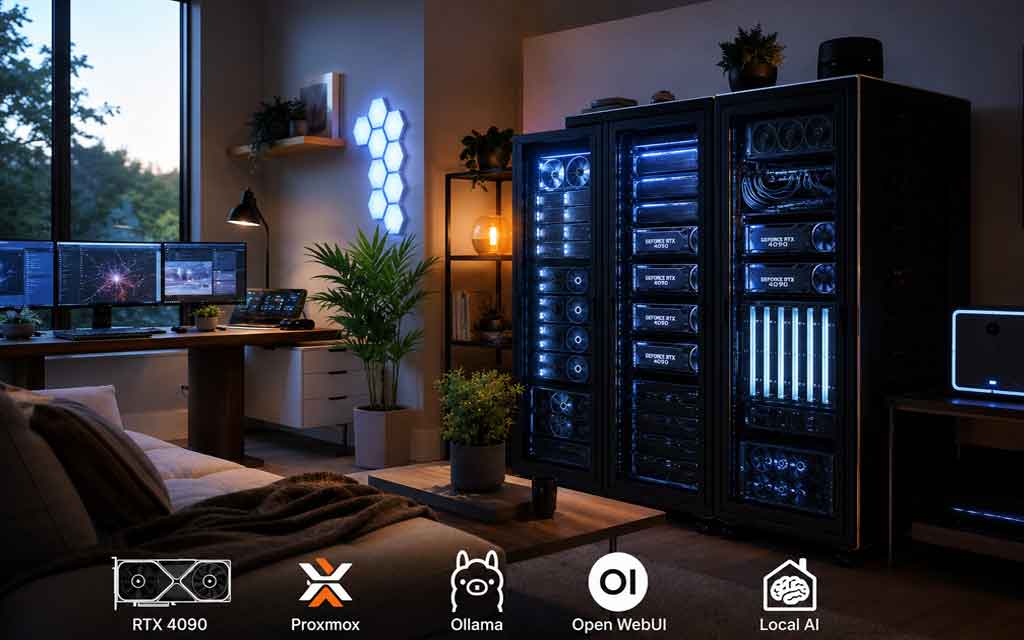
A growing number of Americans are ditching expensive cloud AI subscriptions and building their own home AI datacenters — powerful GPU-powered servers or small clusters running entirely locally. From single RTX 4090 rigs in home offices to multi-GPU racks humming in garages, the homelab AI movement is exploding in 2026.
Privacy concerns, high API costs, the joy of tinkering, and the desire for truly offline AI are driving this trend. Whether you want a personal ChatGPT-style assistant, local image generation with ComfyUI, or a private RAG system over your own documents, setting up a home AI server is more accessible than ever.
This guide breaks down exactly how Americans are doing it — with realistic hardware recommendations, software stacks that actually work in 2026, power and electrical considerations, costs, and step-by-step setup advice.
Why More Americans Are Building Home AI Datacenters
Cloud AI is convenient but comes with trade-offs:
- Privacy — Your prompts and data stay on your hardware.
- Cost control — Heavy users (developers, researchers, content creators) often save money after the initial hardware investment.
- Customization & experimentation — Fine-tune models, run agents, build private tools without rate limits or policy restrictions.
- Offline capability — Works during internet outages or in areas with poor connectivity.
- Maker culture — The strong U.S. homelab and DIY community loves building and optimizing systems.
Many start small for personal use and scale up as they see the value. Some run everything through a beautiful web interface that feels just like ChatGPT but stays completely private.
What Does a “Home AI Datacenter” Actually Look Like?
Forget hyperscale facilities. A home AI datacenter in America typically means:
- Entry level: A single powerful GPU in a workstation or custom PC (great for most individuals).
- Mid-range: Dual or quad GPU server for serious local inference and light fine-tuning.
- Enthusiast/high-end: 4–8+ GPU custom rack in a garage or dedicated space (closer to a true small cluster).
Most people stay in the first two categories because power, heat, noise, and cost scale quickly.
Hardware: What Americans Are Actually Using in 2026
Popular & Realistic Builds
Budget / Starter (~$150–$800) Used enterprise workstations (Dell Precision, HP Z440/Z640/Z840) paired with older high-VRAM GPUs like Tesla P40 (24GB) or used RTX 3090/4060 Ti. Excellent way to get started with local LLMs on a shoestring.
Most Popular Practical Build (~$2,000–$2,600)
- GPU: Used RTX 4090 (24GB VRAM) — currently one of the best value cards for local AI.
- CPU: AMD Ryzen 7 5800X/5900X or similar (good PCIe lanes).
- RAM: 64GB DDR4/DDR5.
- Storage: 1–2TB fast NVMe + larger SSD/HDD for models and datasets.
- PSU: Quality 1000W+ Gold/Platinum with headroom.
- Case: Good airflow (Corsair 4000D, Fractal, or similar).
High-End Multi-GPU (~$8,000–$20,000+) EPYC or Threadripper platforms with 4–8 GPUs (mix of used 3090s, 4090s, or enterprise cards) in custom open-air or hanging racks with excellent airflow. Popular in serious homelab circles for running larger models or multiple workloads simultaneously.
Key Principle: NVIDIA GPUs dominate because of the mature CUDA ecosystem. AMD options exist but have more friction for many AI tools.
Power, Cooling & Electrical Realities (Very Important in the US)
This is where many beginners get surprised.
A strong single-GPU AI rig can pull 400–700W+ under load. Multi-GPU setups easily exceed 1–2kW or more.
Practical Advice from American Builders:
- Use dedicated circuits — Don’t share with other outlets.
- Consider 240V (220V) circuits for efficiency on bigger builds (hire a licensed electrician).
- Add a good UPS (Uninterruptible Power Supply) for graceful shutdowns.
- Location matters: Garage or basement is common to manage heat and noise.
- Cooling: Strong case airflow + box fans or A/C in the room. Some use liquid cooling for CPUs.
Pro Tip: Many Americans consult electricians early, especially for anything beyond a single high-end GPU. Check your home’s main service (most modern homes have 200A) and never exceed safe limits.
Recommended Software Stack in 2026
The winning combination for most American homelabbers right now:
- Proxmox VE — Free hypervisor. Run everything in lightweight LXCs or VMs with GPU passthrough.
- NVIDIA Container Toolkit — Easy GPU access inside containers.
- Ollama + Open WebUI — The easiest and most popular way to get a beautiful ChatGPT-like interface for local models.
- vLLM or llama.cpp — For higher performance or quantized models.
- Tailscale — Zero-config secure remote access from your phone, laptop, or iPad from anywhere (highly recommended).
Bonus tools many add:
- ComfyUI (image/video generation)
- AnythingLLM or PrivateGPT (RAG over your documents)
- Flowise or n8n (building AI agents)
This stack is well-documented, actively used in the community, and relatively beginner-friendly once you get the GPU passthrough working.
Step-by-Step: Getting Started
- Plan your goals — Inference only? Image generation? RAG? This determines GPU size and RAM needs.
- Acquire hardware — Start with a solid single-GPU build unless you have specific needs.
- Install Proxmox on bare metal.
- Create an LXC container and pass through the GPU.
- Install NVIDIA drivers + Container Toolkit inside the container.
- Deploy Ollama + Open WebUI via Docker Compose (plenty of ready templates exist).
- Set up Tailscale for easy remote access.
- Pull models and start chatting.
Many detailed video and written guides exist for each step — the homelab community is very generous with knowledge.
Legal, HOA & Safety Considerations
- HOA rules: Check for noise, exterior appearance, or “business use” restrictions.
- Zoning: Personal/hobby use is almost always fine. Running a commercial service from home may have rules.
- Electrical: Hire professionals for new circuits. Safety first.
- Heat & Noise: Be a good neighbor — proper ventilation and sound dampening help.
Cost & ROI Overview (2026 Estimates)
- Starter build: $800–$2,000 (used market helps a lot).
- Strong single 4090-class build: $2,000–$2,600.
- Electricity: $10–$40+/month depending on usage and local rates (much cheaper than heavy cloud usage for power users).
- Break-even: Often 6–18 months for heavy users compared to paying for Claude/GPT-4o API calls at scale.
Used enterprise hardware and GPUs from the crypto mining era (now repurposed) keep costs reasonable.
Real Talk: Challenges
- Heat and noise management
- Power infrastructure upgrades
- Learning curve with GPU passthrough and Linux server administration
- VRAM limits (you can’t magically run 100B+ parameter models at high speed on consumer cards without quantization)
Start small, learn, then expand. Most people begin with one solid GPU and grow from there.
Final Thoughts: The Democratization of AI Compute
What we’re seeing in 2026 is the next phase of personal computing — individuals taking back control of their AI infrastructure. Just like the early days of home servers and NAS devices, home AI datacenters are becoming a real thing for enthusiasts, developers, researchers, and privacy-conscious Americans.
Whether you want a private coding assistant, local image generator, or a full personal AI workspace, the tools and community have never been better.
Ready to start? Begin with a realistic budget and clear use case. Join communities like r/LocalLLaMA, r/homelab, Level1Techs forums, and ServeTheHome for the latest builds and troubleshooting.
Have you built (or are you planning) a home AI server? Share your setup or questions in the comments — we love seeing real American homelab builds.
This guide reflects common practices and builds shared across the U.S. homelab community in 2026. Always verify electrical work with licensed professionals and check local codes/HOA rules. Hardware prices fluctuate — shop the used market carefully and test components.



Leave a Comment